> ## Documentation Index
> Fetch the complete documentation index at: https://developer.z-api.io/llms.txt
> Use this file to discover all available pages before exploring further.
# Forward message
> Forward a message to a contact or group
## Overview
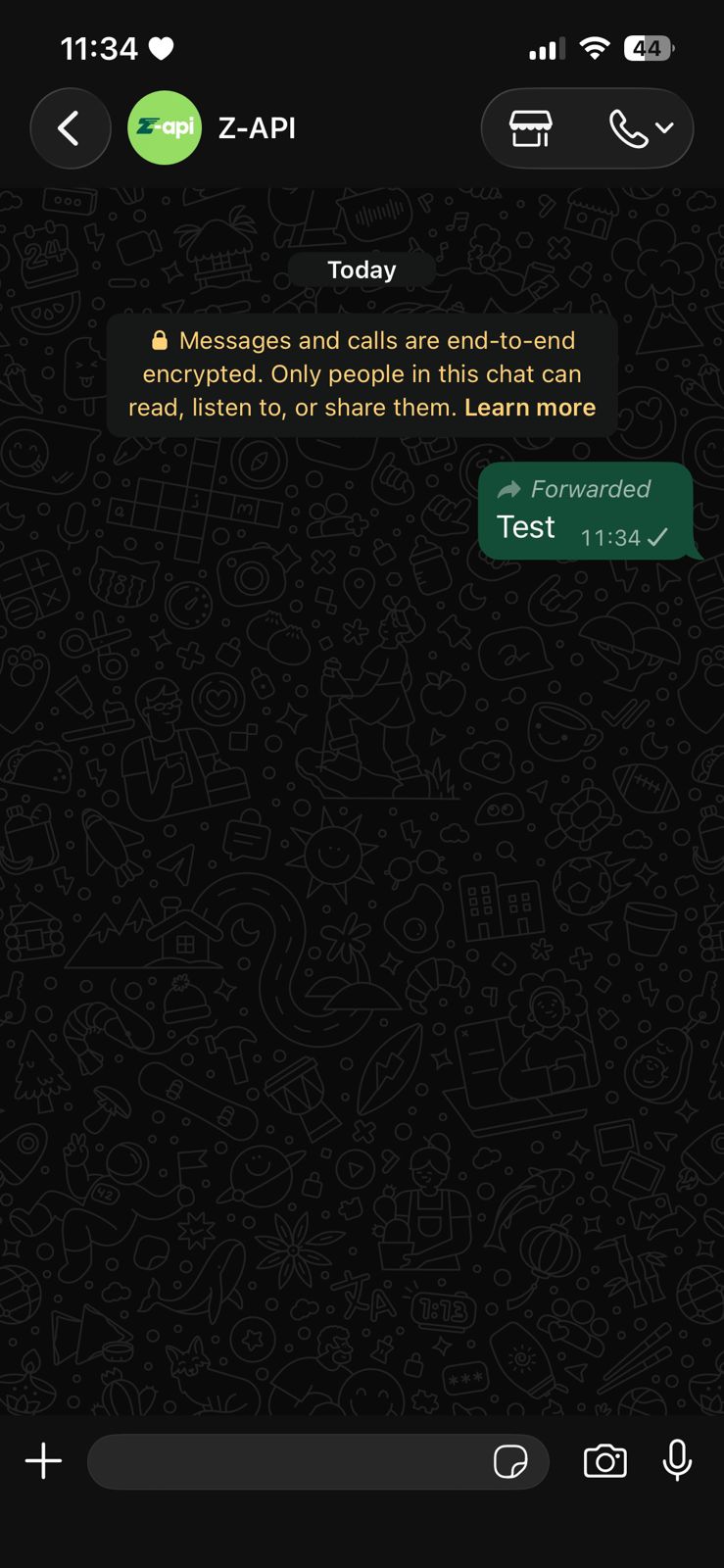
Simple and straightforward, with this method you can forward messages through the API needing only the messageId of the message you want to forward, and the phone of the chat where that messageId is located.
To use this method you need to configure the webhook. If you haven't configured it yet, the message will not be forwarded.
#### Example on WhatsApp
***
## Attributes
### Header
Your instance ID. Available in the Z-API panel under **Instances**.
Your Z-API instance token.
### Required
Recipient's phone number (or group ID for group messages) in DDI DDD NUMBER format. E.g.: 551199999999
ID of the message to be forwarded
Phone number of the chat where the messageId is located
### Optional
Delay added to the message. You can choose between a range of 1 to 15 sec, meaning how many seconds it will wait before sending the next message. (E.g.: "delayMessage": 5). The default delay if not provided is 1 to 3 sec
***
## Request Body
```json theme={"theme":{"light":"github-light","dark":"poimandres"}}
{
"phone": "5511999999999",
"messageId": "3999984263738042930CD6ECDE9VDWSA",
"messagePhone": "5511888888888"
}
```
***
## Response
### 200
```json theme={"theme":{"light":"github-light","dark":"poimandres"}}
{
"zaapId": "3999984263738042930CD6ECDE9VDWSA"
}
```
### 405
Make sure you are correctly sending the method specification, that is, verify that you sent POST or GET as specified at the beginning of this topic.
### 415
If you receive a 415 error, make sure to add the "Content-Type" header to your request, which in most cases is "application/json".