
Messages
Send link
Send a link with preview to a contact or group on WhatsApp
POST
Send link
Overview
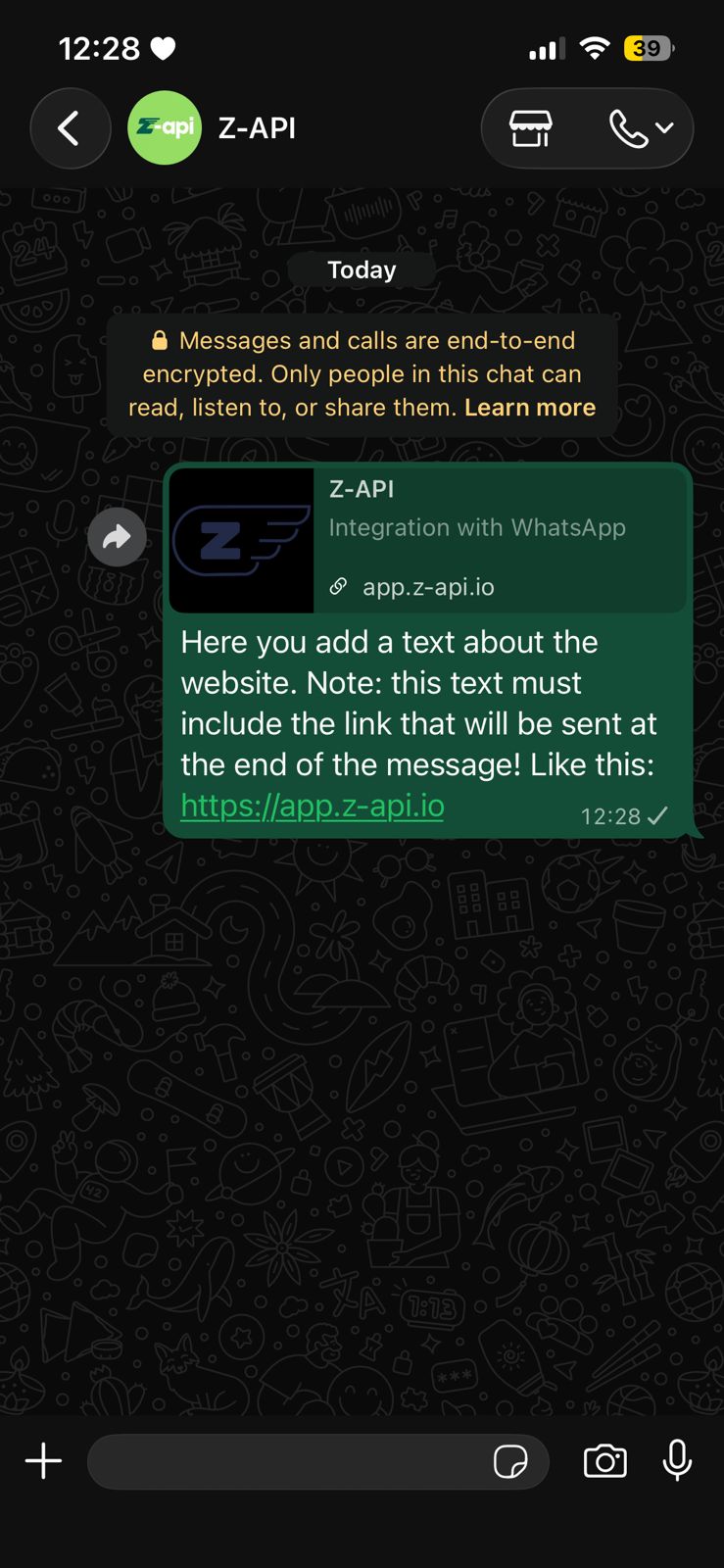
Method responsible for sending a link to your contacts, widely used to share links so users are directed to a website.Example on WhatsApp
Attributes
Header
string
required
Your instance ID. Available in the Z-API panel under Instances.
string
required
Your Z-API instance token.
Required
string
required
Recipient’s phone number (or group ID for group messages) in DDI DDD NUMBER format. E.g.: 551199999999. IMPORTANT Send only numbers, without formatting or masks
string
required
Text about your link. Don’t forget to include the same linkURL value at the end of this text.
string
required
Image link
string
required
Your link URL
string
required
Link title
string
required
Link description
Optional
string
Attribute used to define the size of the link preview message (SMALL, MEDIUM or LARGE). The default size if not provided is SMALL.
string
Attribute used to reply to a chat message, just add the messageId of the message you want to reply to
number
Delay added to the message. You can choose between a range of 1 to 15 sec, meaning how many seconds it will wait before sending the next message. (E.g.: “delayMessage”: 5). The default delay if not provided is 1 to 3 sec
number
Delay added to the message. You can choose between a range of 1 to 15 sec, meaning how many seconds it will show “Typing…” status. The default delay if not provided is 0