
Messages
Send poll
Send a poll message
POST
Send poll
Overview
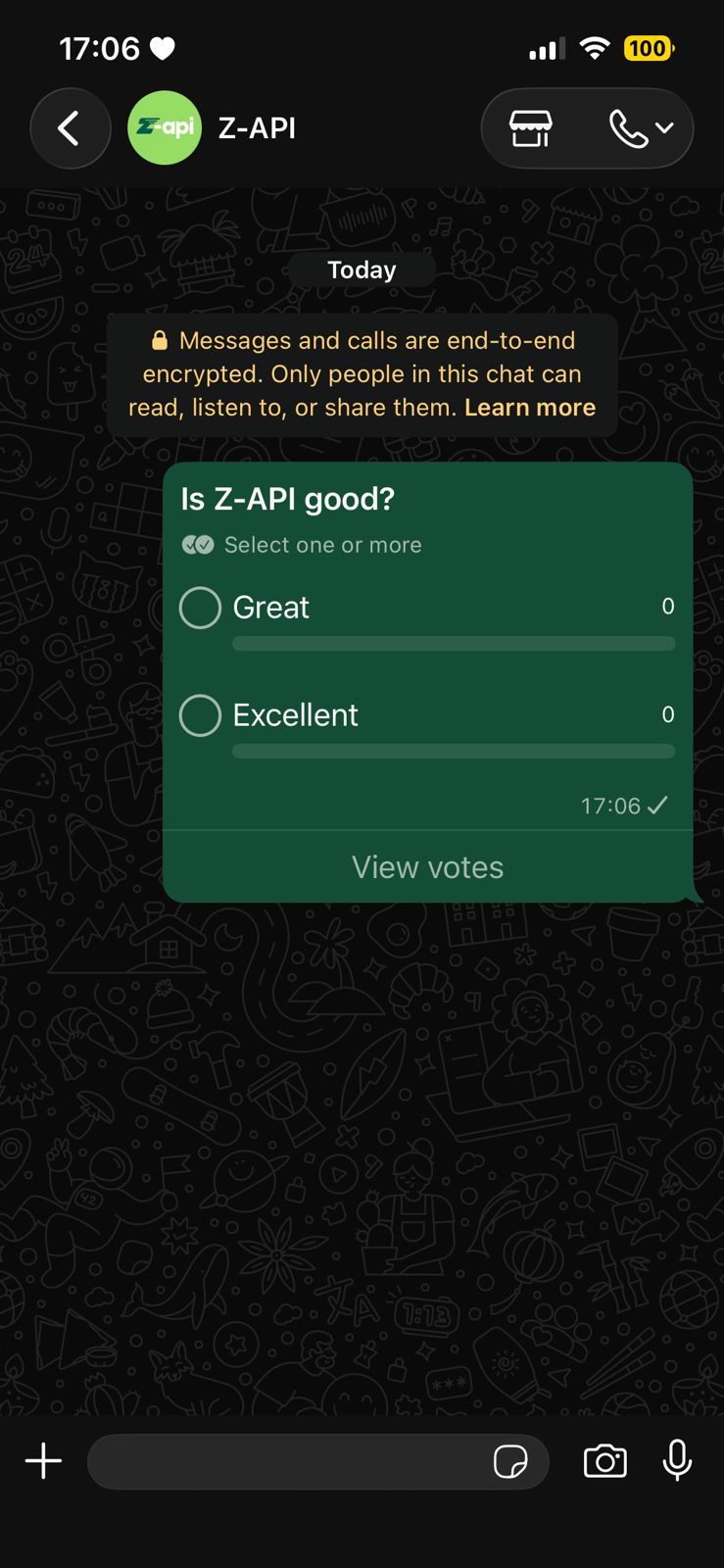
With this method you can send poll messages.Sending polls is only available for groups, following WhatsApp Web behavior.
Example on WhatsApp
Attributes
Header
string
required
Your instance ID. Available in the Z-API panel under Instances.
string
required
Your Z-API instance token.
Required
string
required
Recipient group ID. This ID can be obtained through the get/chats method
string
required
Poll text
array
required
Poll option list
Optional
number
Delay added to the message. You can choose between a range of 1 to 15 sec, meaning how many seconds it will wait before sending the next message. (E.g.: “delayMessage”: 5). The default delay if not provided is 1 to 3 sec
number
Maximum number of votes per person in the poll