
Messages
Reply message
Reply directly to a message in a chat
POST
Reply message
Overview
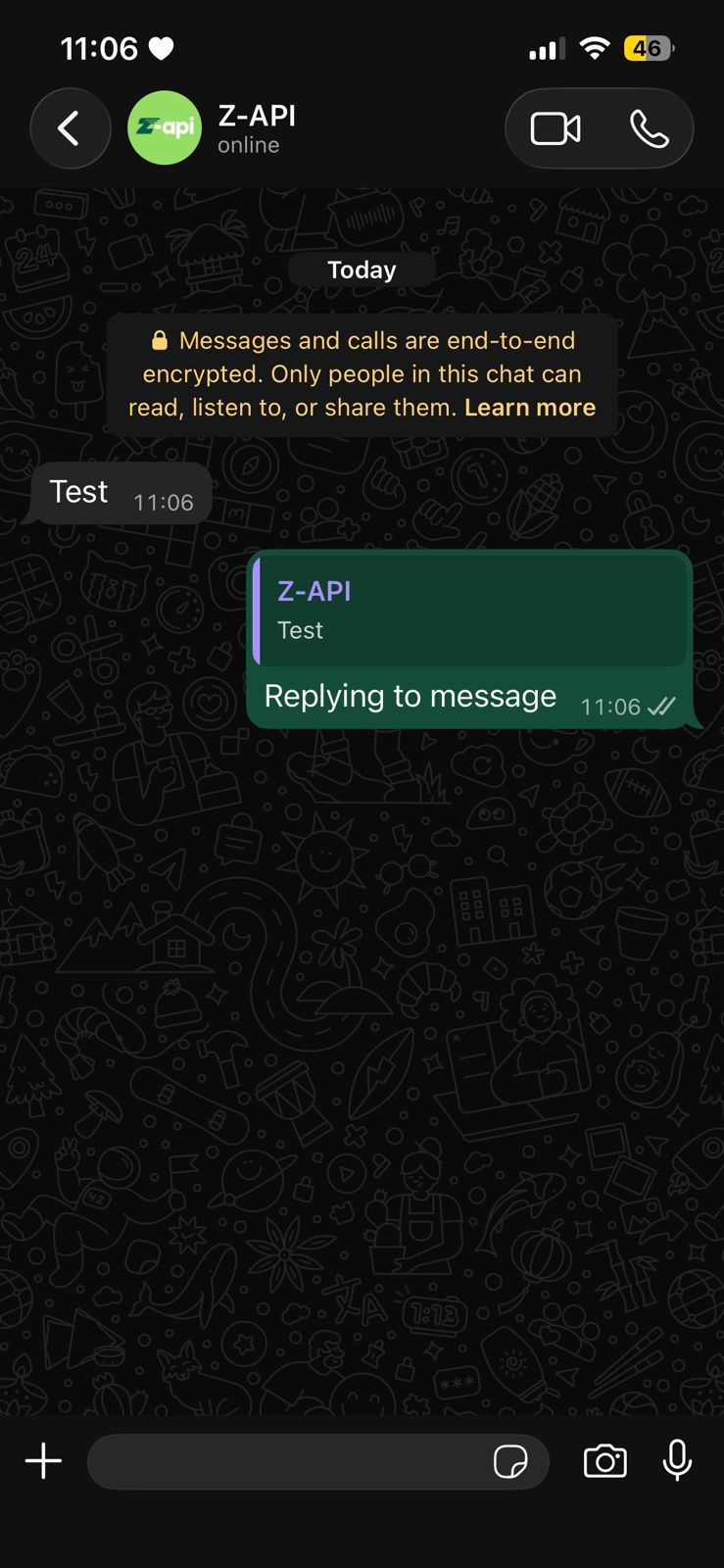
In this topic we’ll talk about how to reply to a message directly! When you use the send-text method there is an optional attribute called messageId, this attribute receives the Id of any message. When this attribute is provided, your message will be directly related to the message of the informed Id.Example on WhatsApp
Attributes
Header
string
required
Your instance ID. Available in the Z-API panel under Instances.
string
required
Your Z-API instance token.
Required
string
required
Recipient’s phone number (or group ID for group messages) in DDI DDD NUMBER format. E.g.: 551199999999
string
required
Text to be sent
string
required
Original message ID you want to reply to
Optional
number
Delay added to the message. You can choose between a range of 1 to 15 sec, meaning how many seconds it will wait before sending the next message. (E.g.: “delayMessage”: 5). The default delay if not provided is 1 to 3 sec
boolean
For group messages, defines whether the reply will be sent to the group or privately to the sender (cannot be yourself)