
Messages
Send plain text
Sends a plain text message to a contact or group on WhatsApp.
POST
Send plain text
Overview
With this method you can send plain text messages, and enhance them using text formatting and emojis. If you don’t know how to do it yet, follow the links below:- To learn how to format text in WhatsApp click here
-
You can also use line breaks in your messages. Depending on your platform and programming language, use one of the following:
Check which one works best for your case. If you find a new way to break lines, please let us know :)- \n
- \r
- \r\n
- %0a
- You can also use emojis in your messages. Need some? Use this link.
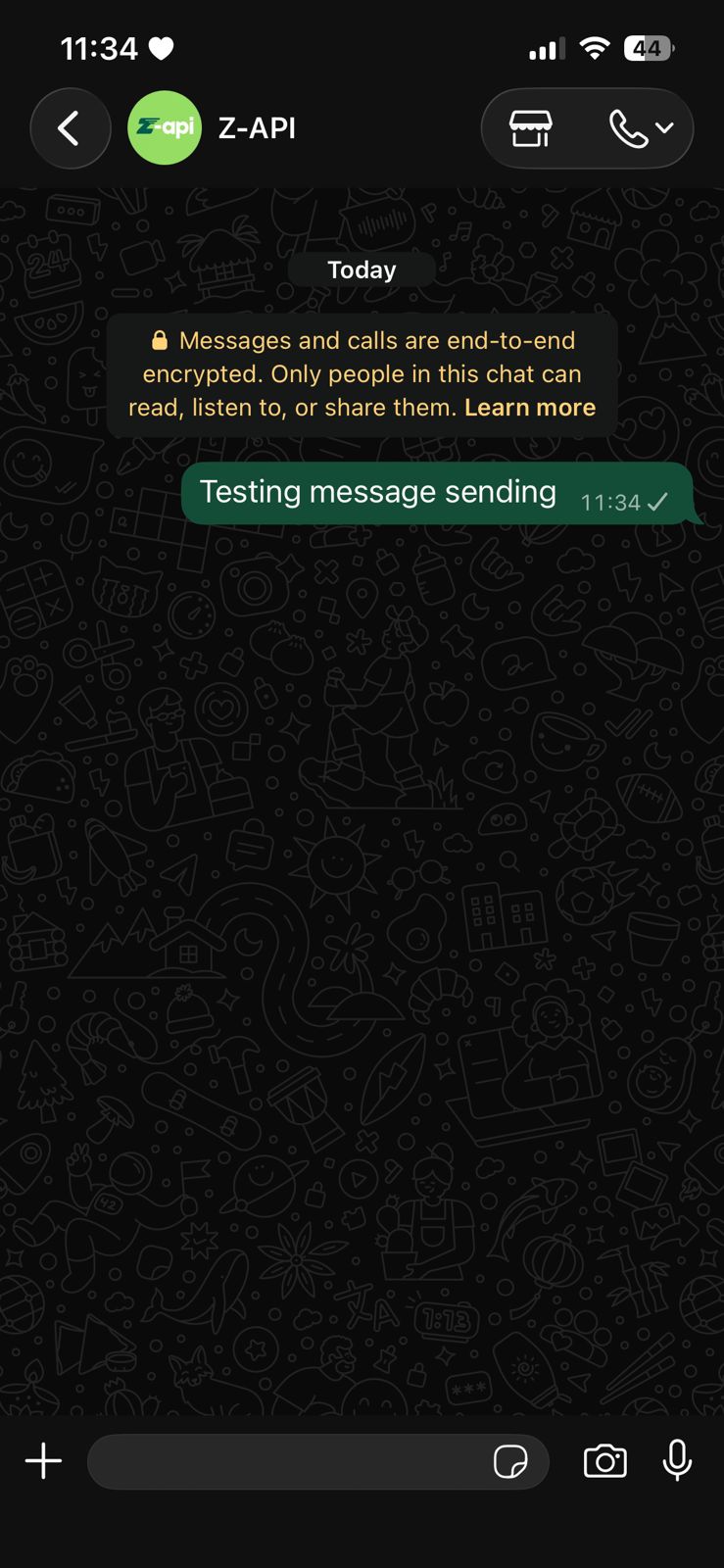
Example on WhatsApp
Attributes
Required
string
required
Your instance ID. Available in the Z-API panel under Instances.
string
required
Your Z-API instance token.
string
required
Recipient’s phone number (or group ID) in the format CountryCode AreaCode NUMBER. Ex: 5511999999999. IMPORTANT Send numbers only, no formatting or mask.
string
required
Text to be sent
Optional
number
Adds a delay before sending the message. You can set a range of 1–15 seconds. (Ex.: “delayMessage”: 5). Default delay if not set: 1–3 sec.
number
Sets how many seconds the “Typing…” status will show before sending. Range: 1–15 sec. (Ex.: “delayTyping”: 5). Default: 0.
string
Allows editing a previously sent WhatsApp message. Use the message ID and new content in the JSON. Webhook must be configured before editing.
Request Body
Response
200
string
Message ID in Z-API
string
Message ID in WhatsApp
string
Added for Zapier compatibility, it has the same value as messageId
405
Make sure you are sending the correct HTTP method — verify that you are using POST or GET as specified at the top of this page.415
If you receive a 415 error, make sure to addContent-Type: application/json to your request headers.